How Can We Help?
How to create a new vendor
Steps
1. Log into Salesforce PIRM organization
2. On the home page navigate to the “Modules” module
3. Navigate to the “Third Party Management” module
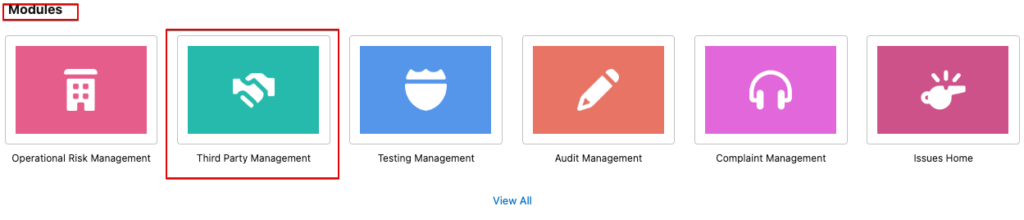
4. Scroll down to “Third Party Tools” section and select “Accounts”

5. Navigate to the “New” Button on the top right
a.

6. Select “Vendor” as the new record type
a.

b. Tap “ Next”
7. Enter all the Vendor details required and tap “Save”
a
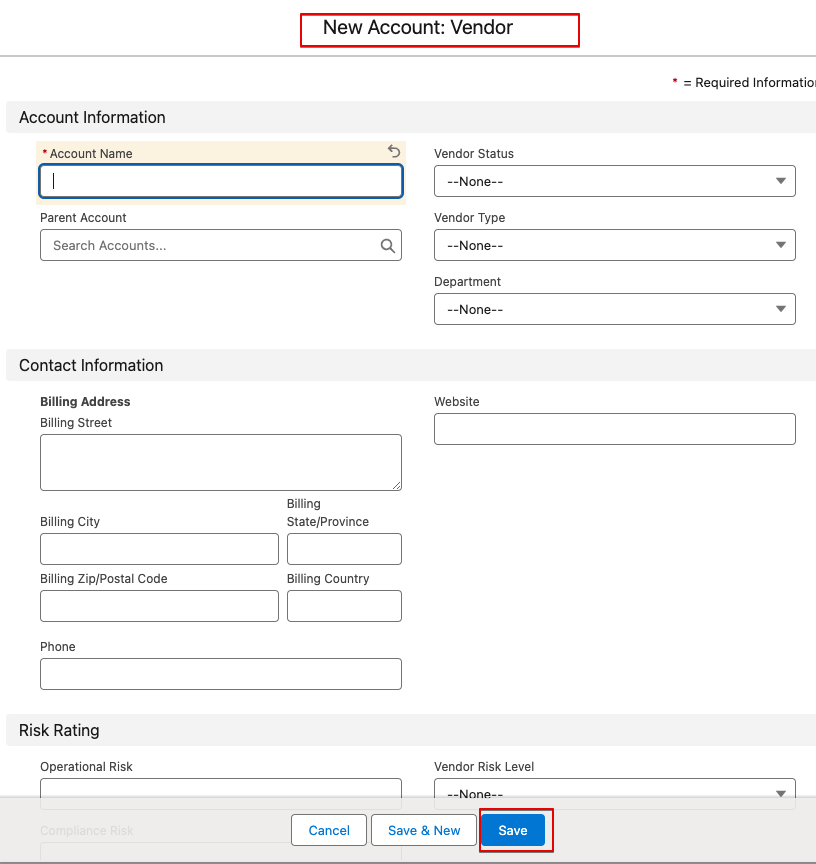
8. Upon completion of the above steps, you will be redirected to your newly created Vendor home page.
Conclusion:
- By completing these steps you have successfully created a new vendor on PIRM.